Astrophotography
Astrophotography for Beginners: How to Start on a Budget
Learn how to start astrophotography on a budget—from phone shots of the Moon to Milky Way photos with a DSLR and tripod. Practical gear and settings advice.
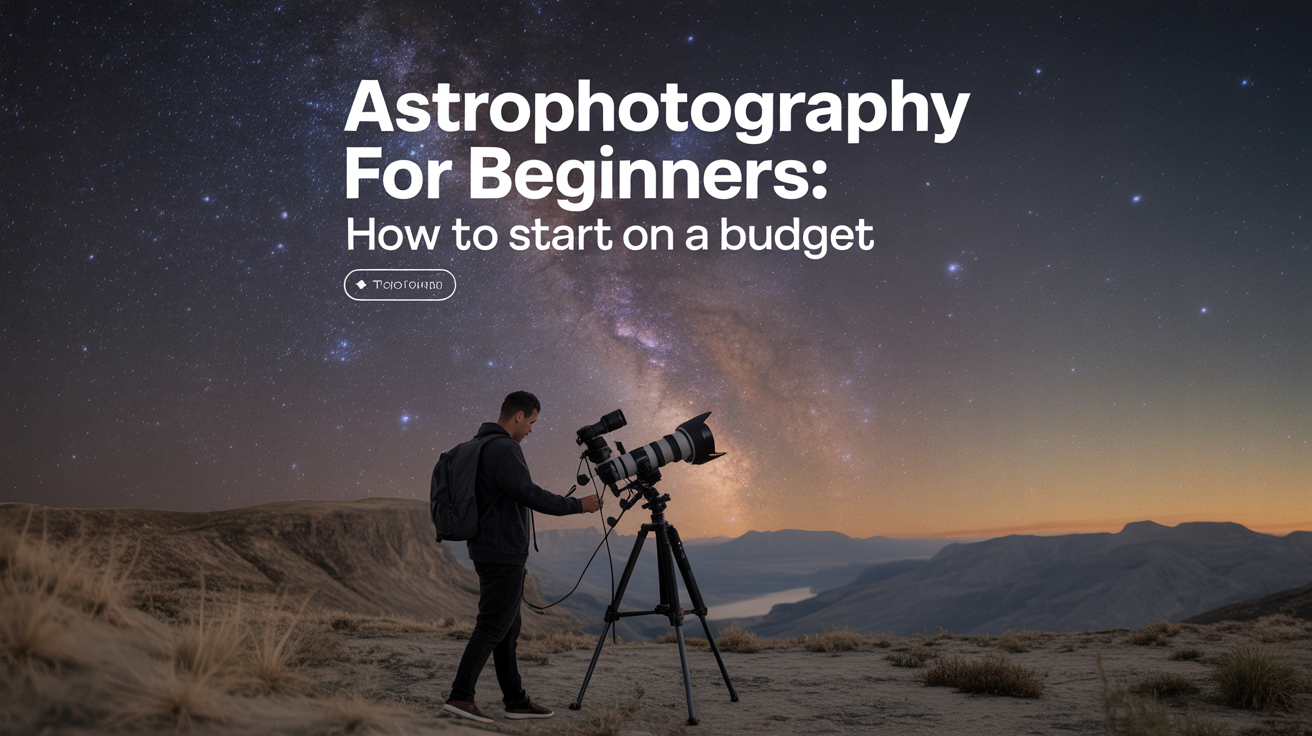
Your first night sky photo probably won't look like the ones you've seen online. That's fine. Most of those images are the result of stacking dozens of exposures, hours of processing, and equipment that costs more than a used car. But you can still capture something genuinely beautiful long before you reach that level, and the path to get there is cheaper than most people assume.
This guide walks through a beginner astrophotography setup that scales with your budget, starting from zero.
What You Actually Need to Get Started
The honest answer is: less than most photography blogs suggest.
The barriers people worry about most (a telescope, a tracking mount, expensive software) are real tools, but they're third or fourth steps, not first ones. Before you spend anything, consider what you already have.
A modern smartphone with a manual or "pro" mode can shoot the Moon well enough to get you hooked. From there, a DSLR or mirrorless camera paired with a standard kit lens and a simple tripod opens up wide-field subjects like the Milky Way and star trails. That combination, which you may already own, represents the core of a working beginner astrophotography setup.
The gear that comes later (a star tracker, longer lenses, eventually a telescope) adds capability, but the fundamentals you learn with a camera on a tripod carry forward to everything else.
The Gear Ladder: Four Levels of Entry
Think of astrophotography as a progression, not a single purchase decision.
Level 1: Smartphone
Best for: the Moon, star clusters, wide constellation shots.
A phone on a stable surface or mini tripod can capture detail on the Moon that surprises people. Use your camera app's manual or pro mode, set a short exposure (1/125 to 1/500 sec depending on Moon phase), lower the ISO to minimize grain, and tap to focus on the lunar surface. A basic phone clamp that attaches to a tripod costs almost nothing and eliminates the handshake that blurs most phone shots.
For everything fainter than the Moon, phones struggle, but a few apps let you stack frames automatically, which helps on bright planets and the Milky Way core under darker skies.
Read more about what's possible without dedicated gear: How to Photograph the Moon Even with a Phone.
Level 2: Camera and Tripod (The Sweet Spot for Most Beginners)
Best for: star trails, wide Milky Way, constellations, Moon with telephoto.
A DSLR or mirrorless camera, even an older used model, changes what you can do dramatically. Paired with a fast lens (f/2.8 or wider is ideal, though f/4 is workable) and a sturdy tripod, you can shoot wide-field subjects without tracking equipment.
The key limitation is Earth's rotation. Stars move relative to your camera, and a long enough exposure turns them from points into short streaks. The rule of thumb most beginners use is the 500 Rule: divide 500 by your focal length to get the maximum exposure in seconds before trailing becomes noticeable. On a 24mm lens, that's roughly 20 seconds. On a 50mm lens, closer to 10.
(Some photographers use the 300 Rule instead, which gives a stricter limit and works better on high-megapixel cameras where trailing shows up at lower magnification.)
Within that window, you want a high ISO (typically 1600 to 6400 depending on your camera and sky darkness) and your widest aperture. Shoot in RAW format, not JPEG. RAW files retain far more tonal information and give you real flexibility in editing, especially in recovering shadow detail in dark skies.
Manual focus is non-negotiable. Autofocus fails on stars. The standard method: zoom into live view on a bright star, turn the focus ring slowly until the star is a sharp point, then don't touch it. If your lens has an infinity mark, don't assume it's accurate, many aren't.
For a full breakdown of these settings: Camera Settings for Night Sky Photography Explained.
Star trails are actually a great early project because they work well even in moderately light-polluted skies and don't require tracking. You can shoot a series of 20-30 second exposures and blend them in free software later, or let a single very long exposure run for an hour or more with a remote shutter release. How to Shoot Star Trails with Just a Camera and Tripod covers that technique in detail.
Level 3: Star Tracker
Best for: close-up Milky Way, nebulae and galaxies with a standard camera lens, longer exposures without trailing.
A star tracker mounts between your tripod head and camera, and rotates slowly to compensate for Earth's spin. Polar align it to the celestial pole and your camera stays locked on the sky. Suddenly you can expose for 2 minutes instead of 20 seconds, which lets you gather far more light at lower ISO (less noise) or with a longer focal length.
Entry-level trackers are genuinely portable and far less expensive than a full telescope mount. They work well for wide to medium telephoto focal lengths, roughly up to 200-300mm depending on how precisely you polar align.
What you can capture opens up considerably: the Milky Way at 50mm or 85mm with real detail in the dust lanes, bright nebulae, the Andromeda galaxy as more than a smudge. You're still shooting single exposures at this stage, or a handful to blend, rather than deep imaging sessions.
Level 4: Telescope and Equatorial Mount
Best for: galaxies, nebulae, planets at high magnification, deep-sky objects.
A proper telescope with a motorized equatorial mount is where deep-sky imaging begins. This is also where costs rise significantly and the learning curve steepens. Polar alignment becomes critical. Guiding (using a secondary camera to correct tracking errors in real time) becomes important for serious work.
For a cheap astrophotography setup, this is not where you start. Get comfortable with the camera-and-tripod phase first. The habits you build there, reading a histogram, managing noise, planning around the Moon's phase, shooting in RAW, transfer directly.
Light Pollution: The Constraint Nobody Can Buy Around
Light pollution affects every level of this hobby. A camera and a dark sky will often outperform far more expensive equipment under suburban skies.
The most useful tool here is a light pollution map. Before planning a shoot, check your location. The difference between a Bortle 4 sky (reasonably dark rural) and a Bortle 7 sky (suburban) isn't subtle; it's the difference between seeing the Milky Way's structure and not seeing it at all.
Light pollution filters exist for both camera lenses and telescope eyepieces. They help in specific situations (narrowband nebula imaging especially), but they're not a substitute for darker skies, and many popular targets respond poorly to them.
For a cheap astrophotography setup, driving 45 minutes to a genuinely dark field does more than any filter.
Image Stacking: The Free Multiplier
Stacking is the process of aligning and combining multiple exposures of the same subject to reduce noise. Ten 30-second exposures, properly stacked, produce a cleaner image than one 300-second exposure shot with tracking, because random noise averages out while signal adds up.
Several free programs handle this well. The workflow varies by software, but the basic steps are similar: calibrate your frames (optionally with dark frames and flat frames to correct sensor noise and vignetting), align them, and stack them. The result typically looks flat and dull before processing, but it holds far more detail than any single frame.
You don't need to understand stacking deeply to benefit from it. Even stacking three to five exposures by hand in free editing software using layers set to "lighten" mode gives you a cleaner Milky Way shot than a single frame.
Setting Expectations Honestly
The images that circulate on photography sites and social media represent the best results from years of practice and often many hours of post-processing. Comparing your first attempts to those is discouraging and unfair.
What you should expect at the camera-and-tripod stage: recognizable star patterns, the Milky Way as a genuine band (from a dark enough sky), nice star trails, and detailed Moon shots. Proper color in the Milky Way and any sign of nebulosity in fainter subjects require either tracking or stacking, often both.
Progress in astrophotography is slower than most hobbies, and that's part of what makes a good result satisfying. A shot of the Orion Nebula that you planned, drove to a dark site for, and processed yourself feels different from one you bought a preset filter for.
Start simple. The beginner astrophotography guide that serves you best is the one you actually follow.
Frequently Asked Questions
Do I need a telescope to start astrophotography?
No. Most beginners get better results starting with a camera and tripod than with a telescope, because a camera on a tripod is simpler to use correctly. Telescopes have a steeper learning curve and usually require a tracking mount to photograph anything beyond the Moon and planets. A camera at wide focal lengths, used well, captures stunning images of the Milky Way and star trails that a telescope can't match.
What ISO should I use for astrophotography?
It depends on your camera, your lens, and your sky conditions. A common starting point for Milky Way shooting is ISO 1600 to 3200 on a camera made in the last decade. Higher ISOs let you use shorter exposures (which prevents star trailing) but increase noise. Shoot a short test series at different ISOs and examine the results at 100% in your editing software to find your camera's practical limit. Most modern cameras hold useful detail up to ISO 3200 or higher.
How do I focus on stars at night?
Switch to manual focus and use your camera's live view mode. Zoom in digitally on a bright star, then slowly turn the focus ring until the star is the smallest, sharpest point you can achieve. Lock the focus ring if your lens has a lock, or use tape. Repeat this check if you change focal lengths or if the temperature drops significantly, as thermal changes can shift focus slightly.
Can I do astrophotography from the suburbs?
Yes, with limitations. The Moon and planets are bright enough to photograph anywhere. Star trails work reasonably well under moderate light pollution. The Milky Way requires darker skies; from most suburban locations it's either invisible or so washed out that a photo adds little. A light pollution map will tell you whether your location is worth shooting from or whether a drive is worth it.
Do I need special software to process astrophotos?
Not to start. A RAW editor you're already comfortable with handles Milky Way and star trail work perfectly well. Dedicated stacking software becomes useful once you're shooting multiple exposures and want to reduce noise properly, but it's free to try. The most important processing step for beginners is simply adjusting exposure and contrast to reveal what the RAW file actually captured, which most editing software handles without any special tools.