Astrophotography
Camera Settings for Night Sky Photography Explained
Master night sky photography settings: aperture, ISO, shutter speed, the 500 rule, focus technique, and white balance for sharp, noise-free star shots.
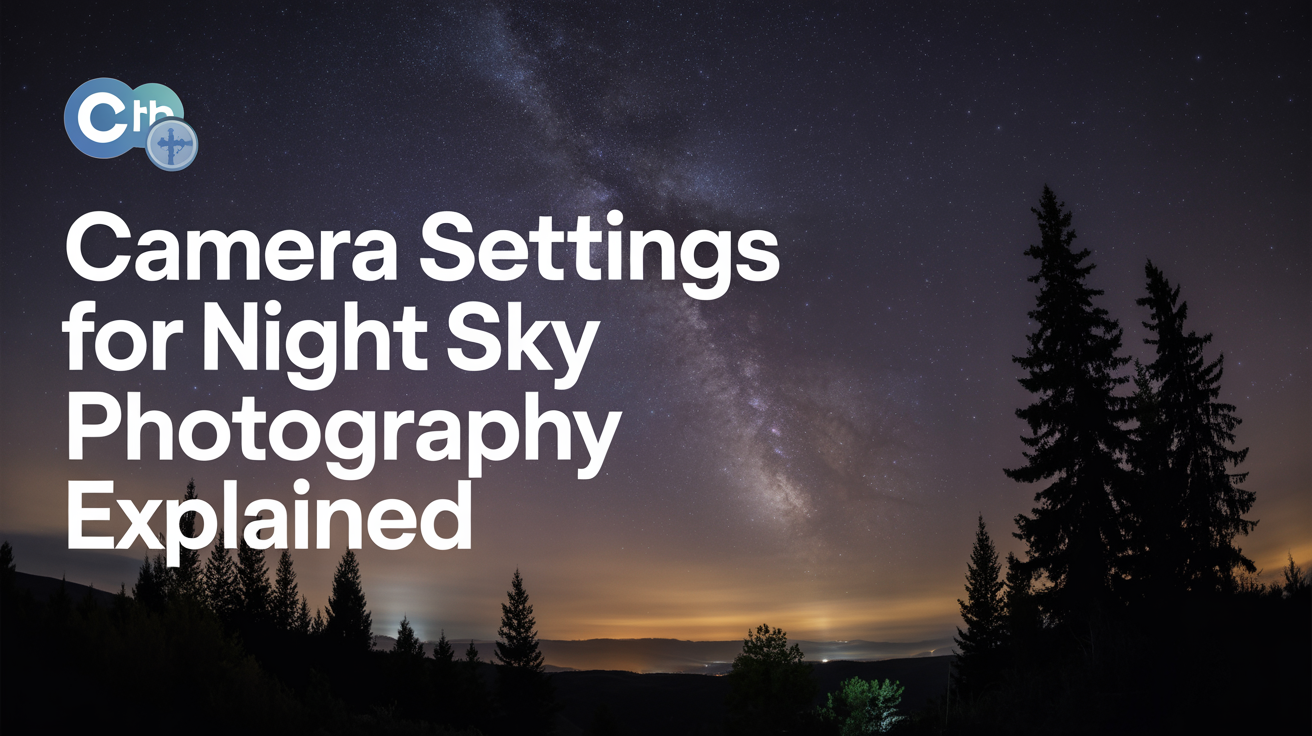
Getting sharp stars on your first night out is mostly a settings problem. The exposure triangle works differently under a dark sky than it does in daylight, and getting it wrong means either a black frame or a smear of star trails instead of pinpoints. Once you understand why each setting is set the way it is, the logic sticks.
If you're just getting started with gear and locations, the beginner's guide to astrophotography on a budget is worth reading first. This article focuses entirely on camera settings.
The Exposure Triangle for Stars
In daytime photography you balance aperture, shutter speed, and ISO with some flexibility in all three directions. At night, two of those three are almost fixed.
Aperture needs to be as wide as your lens allows. Light from stars is dim and point-source; you can't compensate with a slower shutter speed past a certain limit (more on that below), and piling on ISO introduces noise. A wide aperture is the cleanest way to gather more light. The best aperture for stars is your lens's widest setting: f/1.8 or f/2 if you have it, f/2.8 for most dedicated wide-angle lenses, f/4 at the very most. Stopping down to f/5.6 or f/8 will give you a near-black sky at any reasonable ISO.
Shutter speed is constrained by Earth's rotation. Leave the shutter open too long and stars trail across the frame as thin arcs rather than tight points. The 500 rule gives you a practical ceiling.
ISO is what you adjust after you've maximized aperture and pushed shutter speed to its limit. Higher ISO amplifies signal (and noise), so there's a sweet spot rather than a maximum.
The 500 Rule: Shutter Speed Without Star Trails
The 500 rule states that the maximum shutter speed (in seconds) before star trailing becomes visible is:
Max exposure = 500 ÷ focal length (in mm)
Worked Example
Say you're shooting at 20mm on a full-frame camera:
- 500 ÷ 20 = 25 seconds
That's your ceiling. Go to 30 seconds and you'll see faint trails in stars near the edge of the frame.
On a crop sensor (APS-C, 1.5x or 1.6x crop factor), you need to account for the effective focal length. A 20mm lens on a 1.5x body behaves like a 30mm on full-frame, so:
- 500 ÷ (20 × 1.5) = 500 ÷ 30 = ~16 seconds
Some astrophotographers use the 300 rule instead (replacing 500 with 300), which gives a more conservative, trail-free result and works better near the celestial equator where stars move fastest. It cuts your shutter time significantly, so you'll need to push ISO higher, but pinpoint stars in the final print are worth it.
Practical Shutter Speed Ranges
| Focal length | Full-frame (500 rule) | Crop (500 rule, 1.5x) | Conservative (300 rule, FF) |
|---|---|---|---|
| 14mm | 35s | 23s | 21s |
| 20mm | 25s | 16s | 15s |
| 24mm | 20s | 13s | 12s |
| 35mm | 14s | 9s | 8s |
ISO for Astrophotography: Finding the Sweet Spot
Once you've set aperture to widest and shutter speed to the 500-rule maximum, ISO is the remaining lever. For most modern cameras, ISO 1600 to ISO 3200 is the right starting range.
At ISO 800 the image will often be underexposed and you'll lose fainter stars in the shadows. At ISO 6400 or above, noise becomes the main problem and colors get muddy. The exception is newer full-frame sensors (Sony A7 IV, Nikon Z6 III, Canon R6 Mark II and similar) where ISO 6400 is still usable, especially if you plan to stack multiple frames.
Shoot one test frame and zoom in to 100% on the histogram. You want the peak shifted slightly to the right of center but not clipping. If the histogram is bunched far left, raise ISO by one stop. If the sky is obviously bright, lower it.
Shoot in RAW, not JPEG. Night sky files contain a lot of detail in the shadow regions, and RAW gives you the latitude to recover it in post. JPEG processing in-camera is tuned for daylight scenes and tends to crush black skies and smear stars.
Focusing in the Dark
Autofocus fails at night. The camera's contrast-detection and phase-detection systems need textured light to work with, and a black sky offers almost none.
The correct method:
- Switch the lens to manual focus.
- Point the camera at a bright star or a distant light (the farther away, the better).
- Enable live view and zoom in digitally to the maximum magnification on your screen.
- Turn the focus ring slowly until that point of light is as small and sharp as possible.
- Tape the focus ring with gaffer tape once you've found it, so it doesn't drift when you pick up the camera.
Don't rely on the infinity mark (∞) on the lens barrel. Most modern lenses focus slightly past infinity, and even a tiny miss will spread every star into a soft blob. Confirm it visually every time.
White Balance
Auto white balance will give you inconsistent results from frame to frame, which matters if you're planning to combine multiple exposures. Set white balance manually to around 3800K to 4200K. This renders the night sky as a dark blue-black rather than an orange or greenish cast from light pollution.
If you're shooting RAW you can adjust this freely in post, but having a consistent starting point saves time. Many astrophotographers set 4000K and leave it there all night.
Other Settings Worth Setting Before You Shoot
A few settings that don't fit neatly into the exposure triangle but cause real problems if you overlook them:
Turn off long-exposure noise reduction (LENR). This setting takes a second "dark frame" after each shot (with the shutter closed) to subtract sensor noise. It doubles the time between exposures, which means you can't capture as many frames in a session. Stacking software handles noise reduction better anyway. Disable it.
Use a 2-second timer or a remote shutter release. Pressing the shutter button by hand vibrates the camera, which shows up as motion blur. The built-in 2-second delay is enough to let vibration settle. A remote or cable release is better if you have one, especially for longer sequences.
Lens warmers prevent dew. If you're shooting in humid conditions or near a temperature inversion, moisture condenses on the front element within 30 to 60 minutes and softens everything. A USB or battery-powered lens warmer band wrapping the barrel solves this. It's one of those things you only forget once.
Image stabilization off (for tripod shooting). Most stabilization systems hunt when there's no motion to correct, which can introduce its own micro-blur. Turn it off when the camera is on a tripod.
Quick-Start Settings Checklist
When you're setting up in the field and want to get shooting fast:
- Mode: Manual (M)
- Format: RAW
- Aperture: Widest available (f/1.8, f/2, f/2.8, or f/4)
- Shutter speed: 500 ÷ focal length (or 300 ÷ focal length for crop or caution)
- ISO: Start at 1600 or 3200, adjust after test shot
- Focus: Manual, live view zoomed on a bright star, tape when set
- White balance: 4000K (fixed)
- Long-exposure NR: Off
- Image stabilization: Off (tripod)
- Shutter trigger: 2s timer or remote release
For a different kind of night sky challenge, read the guide on how to photograph the moon, where the settings logic runs in the opposite direction. And if you want to capture star trails intentionally rather than avoid them, this walkthrough on shooting star trails covers everything from exposure time to stacking.
Frequently Asked Questions
What ISO should I use for night sky photography?
Start between ISO 1600 and ISO 3200. On a modern full-frame camera with good high-ISO performance, you can push to 6400 without much penalty, especially if you're stacking frames. On older or smaller-sensor cameras, ISO 1600 is usually the practical maximum before noise becomes the dominant subject of the photo.
Can I use autofocus for astrophotography?
No. Autofocus systems can't lock on stars in a dark sky. Switch to manual focus, use live view at maximum zoom, and focus on a bright star or a distant artificial light. Once the point is as small and tight as possible, tape the focus ring.
What does the 500 rule mean in astrophotography?
The 500 rule gives you the longest shutter speed (in seconds) you can use before stars begin to trail in your image. Divide 500 by your focal length in millimeters. On a 24mm full-frame lens that's roughly 20 seconds. On a crop sensor, multiply your focal length by the crop factor first, then divide 500 by that number. A more conservative version of the rule substitutes 300 for 500.
Do I need a full-frame camera to photograph the night sky?
No. APS-C cameras work well. You'll adjust the 500 rule for the crop factor, which shortens your maximum shutter speed, and you may run into noise a stop or two earlier than a full-frame sensor. But many excellent night sky images come from crop-sensor bodies. Lens aperture and dark skies matter more than sensor format at an introductory level.
Why does my night sky photo look orange?
Orange or amber skies are almost always light pollution from nearby towns, and a camera shooting auto white balance can make that worse. Set white balance manually to 3800-4200K. In post, you can also reduce the orange channel or use a light-pollution reduction preset. The only real fix for severe light pollution is distance from the source.